
Rovian team · Updated September 23, 2026
How to start playing
- If you are 18 or older, continue as a guest or sign in to your free account.
- Choose your time control and game preferences, then look for an opponent. Create a private room with your free account to play someone you already know.
- Once matched, confirm that you are ready. Manage camera and microphone permissions according to your preferences; the board and clocks share one screen.
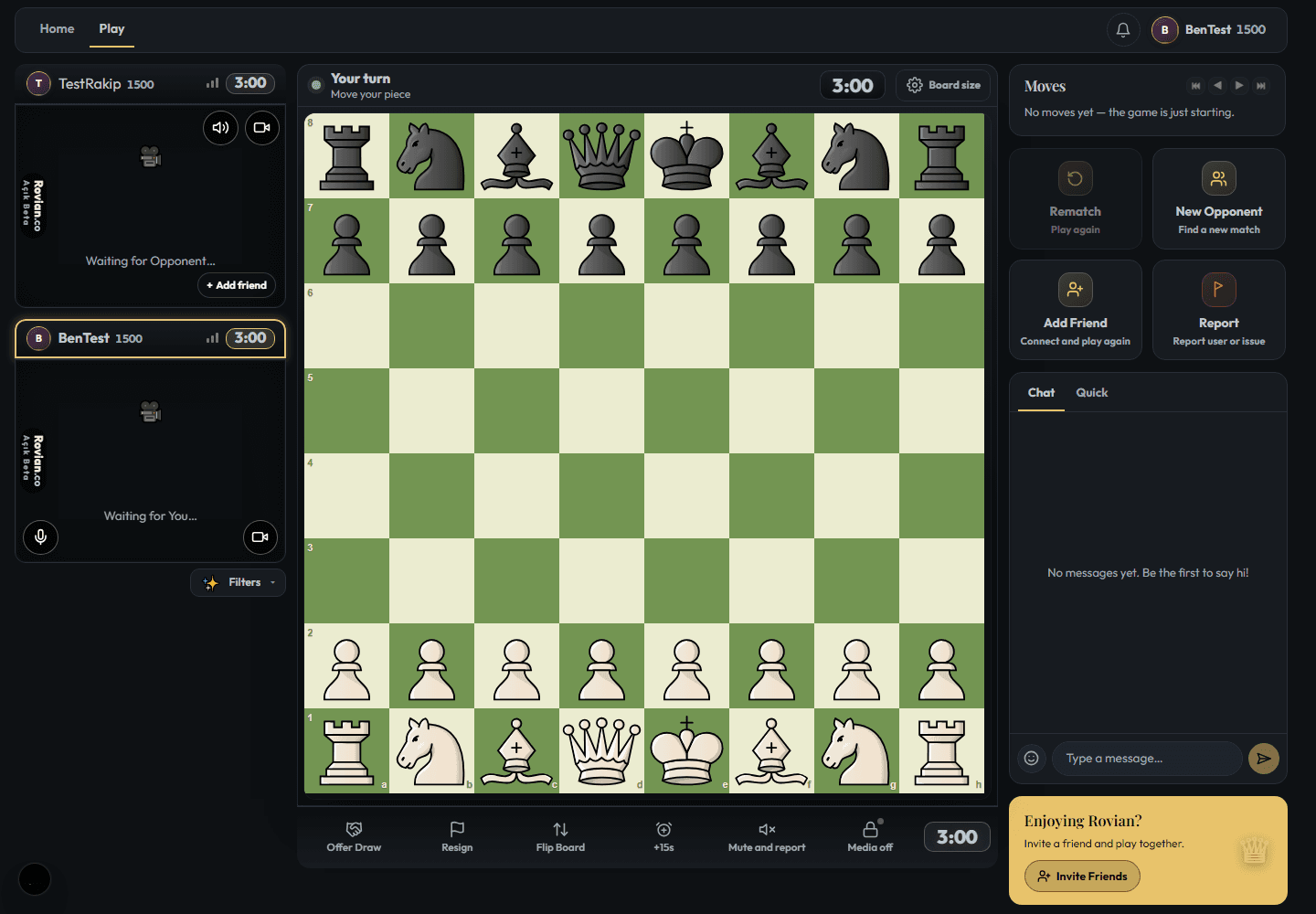
What is chess with video chat?
Video chess combines an online chessboard with a live video call. Moves appear on the shared board and the game clock keeps time. With your cameras on, you can see each other's reactions and talk between moves according to your microphone preferences.
Play with a friend or find a new opponent
Create a private room and share the invitation to play someone you know. Use matchmaking to look for a new opponent. Availability depends on the players online, the time control and your game preferences.
Your camera, microphone and controls
You control camera and microphone permissions. In random matches the camera stays on (blur mode is available); in a private room with friends it's optional. Use the in-game reporting and blocking controls if you encounter unwanted behaviour. The Privacy page explains media handling and recording features.
Frequently asked questions
Is chess with video chat free?
Creating an account, finding an opponent and playing chess with video chat are free.
Can I play without signing up?
Yes. Players aged 18 and over can start as guests. Features that require an account need a free membership.
Do I have to turn on my camera?
In random matches, yes: games are played with cameras on, and blur mode is available if you'd rather not show your face. Camera and microphone access require your permission. In a private room, you and your friend can choose your game and media preferences.
Can I play on my phone?
Rovian works in modern phone, tablet and desktop browsers. You do not need to download an app to play on the website. Check your device's camera and microphone permissions for video play.
How long does it take to find an opponent?
Waiting time depends on the players online and your game preferences. An immediate match is not guaranteed; computer opponents may also be used when a player is not found. Create a private room with your free account and invite a friend when you want to play a particular person.
Are video calls recorded?
Normal calls are not automatically recorded. User-triggered moderation evidence and clip features requiring explicit consent are exceptions. Match clips require both players to enable recording consent. See the Privacy Policy for details.